
Okay, real talk—ever typed a half-baked idea into a box and watched it spit out a painting that looks like it belongs in a museum? I’ve lost count of the mind-blowing pieces I’ve seen, from old-school oil classics to the crazy stuff drawing AI pumps out these days. These AI art tools grab your messy thoughts and turn them into legit art faster than you can say “where’s my sketchbook?” We’ve already geeked out over image generators before, but this round? We’re loaded with way cooler AI for artists. Buckle up.
Table of Contents
Why Choose an AI Drawing Generator Today?
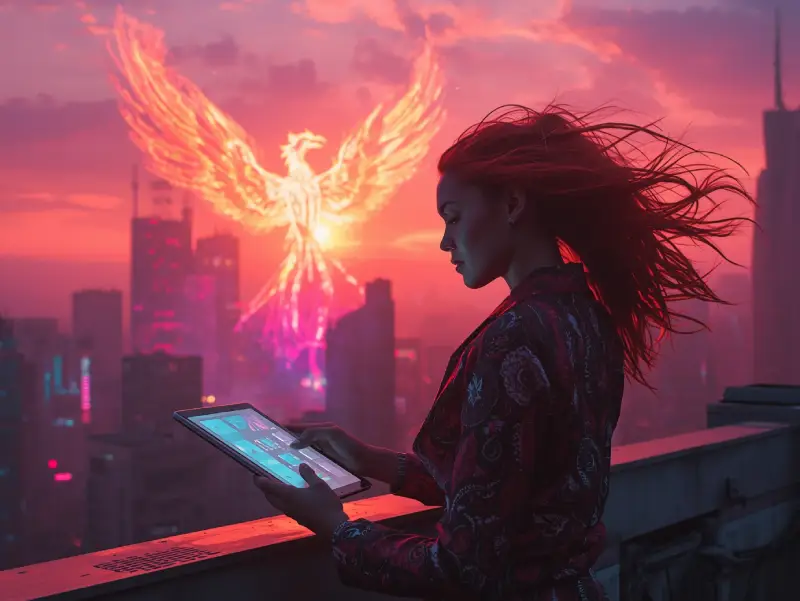
Think about those moments when inspiration strikes but your hand just can’t keep up. An AI drawing generator flips that script entirely. It’s not about ditching your pencils—it’s about supercharging them. I’ve watched total beginners skip weeks of frustrating sketches and nail the perfect vibe on their first prompt try. Speed? Lightning fast. Cost? Often free to start. Plus, artificial intelligence art opens doors to styles you’d spend years mastering otherwise. Why grind alone when an AI drawing tool can be your instant co-pilot, turning “what if” into “wow” without the hassle?
Top Free AI Drawing Generator Options for Beginners
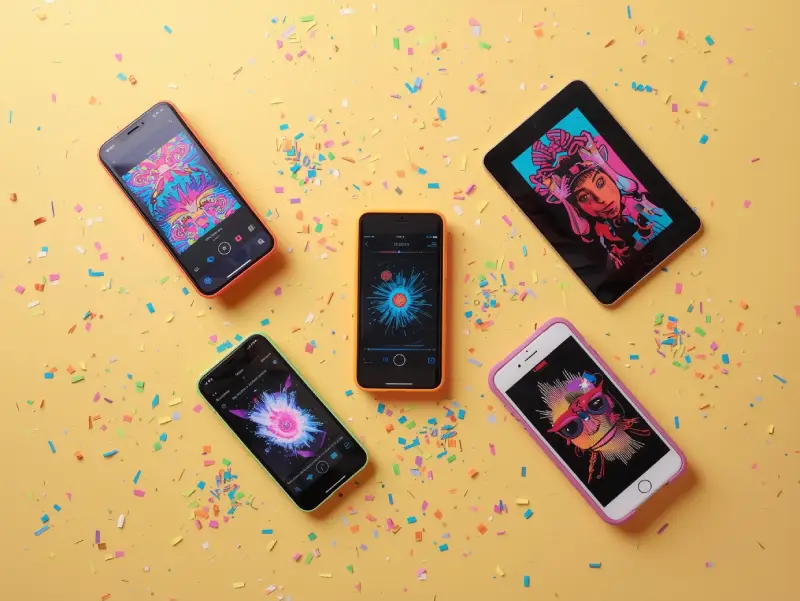
Starting out with an AI drawing generator doesn’t have to cost a dime. Tools like Craiyon (formerly DALL-E Mini) let you type “ai draw me a picture” and boom—results pop up instantly. It’s perfect for testing ideas without commitment. Then there’s Microsoft Designer’s free tier, a solid free AI art generator that handles basic prompts well. NightCafe offers daily credits for its free online AI art generator, great for experimenting with styles. For mobile users, the best free AI art generator apps include Wonder and Dream by WOMBO—both pack punch in the palm of your hand.
| Tool | Key Feature | Best For | Link |
|---|---|---|---|
| Craiyon | Instant text-to-image | Quick ideas | craiyon.com |
| Microsoft Designer | Clean interface | Beginners | designer.microsoft.com |
| NightCafe | Daily free credits | Style testing | nightcafe.studio |
| Wonder | Mobile-first | On-the-go art | App Store / Google Play |
| Dream by WOMBO | Fast anime/realistic | Fun experiments | App Store / Google Play |
Best AI Drawing Generator for Photorealistic Masterpieces
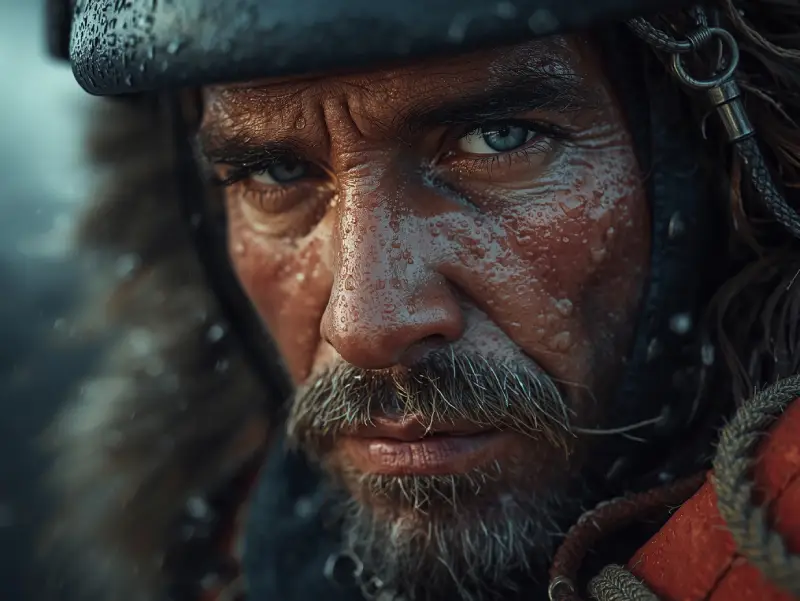
When you need an AI drawing generator that nails lifelike details down to the pores, Midjourney stands out for its stunning realistic AI art. Feed it a detailed prompt like “a weathered fisherman at dawn,” and watch it craft photorealistic AI image generator outputs that fool even trained eyes. DALL-E 3, another powerhouse, excels as an AI realistic image generator—think hyper-detailed skin textures, fabric folds, and lighting that rivals pro photography. For sheer wow-factor, Stable Diffusion XL pushes boundaries in ai art realistic creations, especially with custom models. These tools turn “best ai image generator” searches into reality, even letting you refine AI image generator from image uploads for spot-on results every time.
Exploring Realistic AI Art Creation
Dive deeper, and you’ll see how AI-generated realistic images evolve from vague ideas to museum-worthy pieces. It starts with a simple description, but the magic happens when algorithms trained on millions of photos fill in the gaps—shadows that fall just right, reflections in eyes that sparkle. Tools like Nano Banana AI (a compact, fast generator for quick realism) blend tech with artistic flair, making realistic digital art tools accessible to anyone with a laptop. No more endless reference hunting; just type, tweak, and let the AI handle the heavy lifting while you focus on the vision.
AI Realistic Image Generator Showdown
In head-to-head tests, Midjourney often edges out as the best ai image generator for depth and mood, rendering misty forests or crowded city streets with eerie accuracy. DALL-E 3 shines in portraits, capturing micro-expressions that feel alive. Meanwhile, Stable Diffusion XL lets power users upload a sketch via AI image generator from image and build hyper-real scenes around it—perfect for concept artists. Each has quirks: Midjourney needs Discord, DALL-E ties to ChatGPT Plus, but the results? They’re the reason pros swear by these tools daily.
| Tool | Strength | Output Quality | Starting Cost |
|---|---|---|---|
| Midjourney | Hyper-detailed textures | Ultra-photorealistic | Free trial via Discord |
| DALL-E 3 | Natural lighting & faces | Studio-level | Via ChatGPT Plus |
| Stable Diffusion XL | Customizable models | Highly realistic | Free (local) / Paid cloud |
Ultimate AI Drawing Generator Picks for Anime Fans
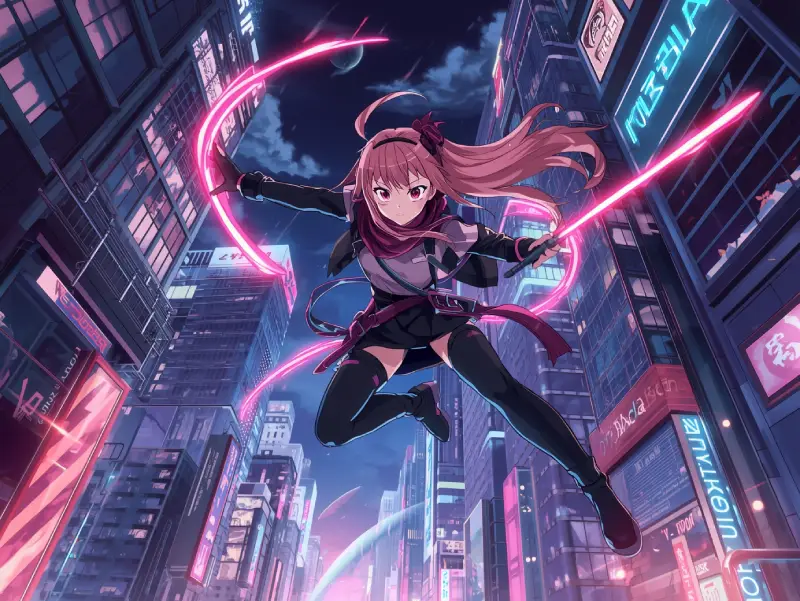
Craving that perfect anime AI art vibe? The AI drawing generator scene explodes with options tailor-made for otaku dreams. Artbreeder lets you mix traits for unique AI-generated anime characters, while NovelAI cranks out detailed anime style AI art that feels straight from a studio. For pure speed, AnimeGenius nails the AI anime art generator crown—type a scene, get vibrant frames in seconds. If you want pro-level control, Waifu Labs serves as a top ai anime art generator for custom waifus. These tools turn “anime AI art” searches into endless inspiration, blending AI tools for anime art with your wildest fanfic ideas.
AI Anime Art Generator Highlights
What sets these apart? NovelAI shines in storytelling—feed it a plot, watch it spin anime style AI art panels that flow like a manga. Artbreeder’s strength lies in evolution: start with a base face, breed AI-generated anime characters until your OC feels alive. AnimeGenius keeps it simple yet powerful, pumping out crisp lines and bold colors that scream classic shonen energy.
Crafting Anime AI Art with Ease
No drawing skills? No problem. These AI tools for anime art guide you step-by-step. Start with a mood board, toss in keywords like “cyberpunk ninja,” and let the AI anime illustration magic unfold. Tweak eyes, hair, outfits—each adjustment refines the vision. It’s like directing your own episode, minus the years of practice.
Best AI Anime Art Generator Apps
Mobile warriors rejoice: apps like Picsart Anime and Meitu pack best ai art generator app punch for on-the-go creation. For pure anime focus, Niji Journey (Midjourney’s anime mode) and PromptHero’s anime presets top the best ai art app charts. Quick, intuitive, and loaded with filters—these let you sketch a chibi in a café line.
| Tool | Specialty | Style Strength | Platform |
|---|---|---|---|
| NovelAI | Story-driven panels | Detailed manga | Web |
| Artbreeder | Character breeding | Custom OCs | Web |
| AnimeGenius | Fast generation | Vibrant shonen | Web/Mobile |
| Waifu Labs | Waifu creation | Cute/chibi | Web |
| Niji Journey | Midjourney anime mode | Epic scenes | Discord |
How to Use an AI Sketch Generator Like a Pro
Mastering an AI sketch generator starts with one simple rule: treat it like a collaborator, not a crutch. Begin with rough prompts—then refine. Tools like Sketch to Image in Leonardo AI turn doodles into polished pieces via AI drawing generator magic. Adobe Firefly’s ai sketch generator excels at line art cleanup, while Procreate Dreams pairs perfectly with its built-in AI drawing tool. The key? Layer prompts. First “basic pose,” then “add cyberpunk jacket.” Suddenly, your “ai that can draw” fantasy becomes pro-level output.
From Prompt to Image AI Magic
The real trick lies in prompt engineering. Start broad—“warrior in fog”—then zoom in: “scarred face, glowing sword.” Tools like Runway’s prompt to image AI read between the lines, filling gaps with cinematic flair. Test variations; the best ai image generator rewards curiosity. One tweak can shift mood from epic to eerie in seconds.
AI Drawing Tool Tips and Tricks
Want control? Use negative prompts: “no blurry, no cartoon.” Upload reference images—many AI drawing tools now support “ai draw me a picture” from photos. Keep a prompt library; reuse winners. Experiment at off-hours for faster queues. Most importantly, iterate. The first output is rarely the final—pros run 10+ versions before picking gold.
Combining Traditional Art with AI Painting Generator
Blend old-school charm with new tech using an AI painting generator as your secret weapon. Scan a pencil sketch, feed it to an AI digital art generator like Corel Painter’s AI styles, and watch rough lines bloom into rich oil textures. Tools such as DeepArt turn your watercolor doodles into ai digital art generator masterpieces with one click. Pros love ArtFlow’s AI painting generator for mobile—paint traditionally, then let the ai digital art generator enhance strokes in real time. It’s not cheating; it’s evolution.
AI Digital Art Generator for Hybrid Workflows
Start with paper and ink, then digitize using an AI drawing generator as your bridge. Upload to an AI digital art generator—suddenly, your charcoal portrait gains velvet shadows via digital art AI. Apps like Infinite Painter mix traditional brushes with AI for digital artists, letting you nudge colors or add glows without losing the hand-drawn soul. The result? A hybrid that feels authentic yet impossibly polished.
Conclusion
From free AI drawing generator experiments to pro-level photorealistic and anime masterpieces, the tools we’ve explored prove one thing: creativity just got a turbo boost. Whether you’re sketching on paper and letting an AI digital art generator polish the edges, or typing wild prompts into the best ai drawing generator, the barrier to stunning art has crumbled. Real artists are already blending these AI illustration tools into daily workflows, saving hours while pushing boundaries. So grab your favorite, start small, and watch ideas explode into reality. The future of AI art creation is here—make it yours.